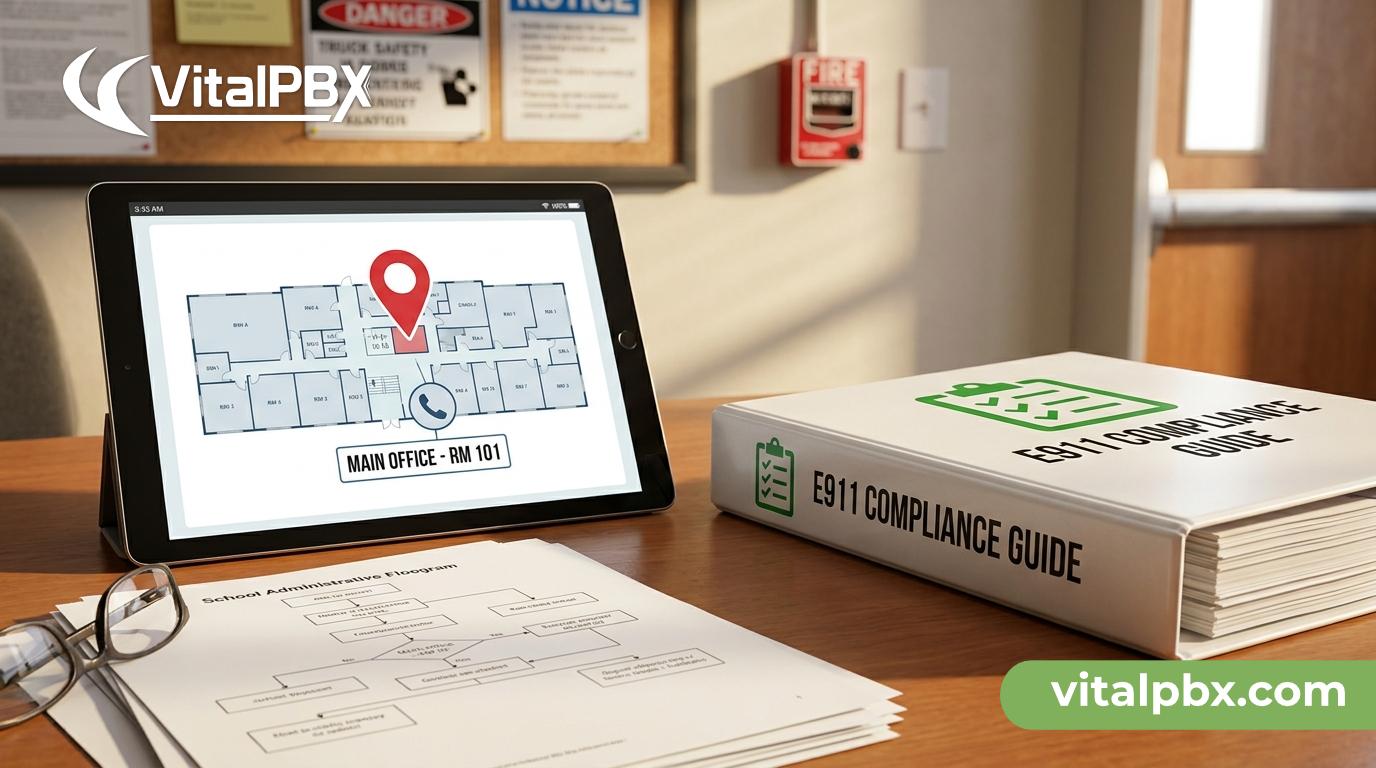
E911 Dispatchable Location: Why Every School Building Needs One
When a student dials 911 from a classroom phone, how does the dispatcher know which building they’re in — let alone which floor or room? In a large school campus with dozens of extensions, the answer to that question can mean the difference between a 90-second response and a dangerous delay.
E911 dispatchable location compliance is no longer a best-practice recommendation for schools. It’s a legal and operational requirement — and most IT administrators are either underprepared, using outdated configurations, or relying on a PBX that can’t deliver the granularity that modern emergency response demands.
This post breaks down exactly what a dispatchable location is, why schools are uniquely at risk without one, what federal regulations require, and how VitalPBX helps you configure compliant, precise E911 routing for every extension on your campus.
What Is a Dispatchable Location in E911?
The term “dispatchable location” comes directly from the Kari’s Law and RAY BAUM’S Act regulatory framework, which the FCC finalized and phased into enforcement beginning in 2021. Understanding the definition precisely matters, because vague location data is exactly what gets schools into trouble.
A dispatchable location is defined as the street address of a caller plus additional information that allows a first responder to find the caller’s exact location within a building. That additional information typically includes:
- Floor number
- Room number or suite
- Wing, building name, or other location identifier
A plain street address — even a correct one — does not qualify as a dispatchable location. This is the critical distinction that many school IT administrators miss.
Under Kari’s Law, every multi-line telephone system (MLTS) must allow any user to dial 911 directly without pressing a prefix (like “9” first). Under RAY BAUM’S Act, that same system must transmit a dispatchable location to the PSAP (Public Safety Answering Point) — the dispatch center that receives your 911 call. Both laws apply directly to school telephone systems.
Why Schools Face a Higher Risk Than Most Buildings
Schools aren’t just another commercial building. They present a specific set of challenges that make E911 compliance both more complex and more urgent.
Scale and density. A single school campus may have hundreds of phones spread across multiple buildings, portable classrooms, gymnasiums, cafeterias, and administrative wings. Each of those locations needs a distinct, addressable identity in your PBX.
High-stakes emergencies. School emergencies — whether a medical incident, a fire, or a security threat — require first responders to reach a precise location quickly. An EMT who arrives at the main entrance of a 400-room building without knowing the caller is in the second-floor science lab loses critical time.
Extension sprawl. Many schools still run aging PBX configurations where every phone shares a single outbound caller ID or emergency location record. This means a 911 call from a portable classroom on the east side of campus may transmit the address of the administrative office on the west side.
Student and staff safety culture. Unlike a corporate office, a school phone may be used in an emergency by a child, a substitute teacher, or a visitor who has no idea how to describe their exact location to a dispatcher. The system has to do the work automatically.
Liability exposure. School districts that fail to maintain compliant E911 configurations face potential civil liability if a delayed emergency response can be traced to inaccurate or missing location data in their PBX.
How VitalPBX Handles E911 Dispatchable Location
VitalPBX gives IT administrators a direct, granular way to assign and manage emergency location data at the extension level — without requiring a third-party add-on or workaround.
Emergency CID (Caller ID) per Extension
Within VitalPBX, you can configure a dedicated Emergency CID for each extension. This is the number that gets transmitted to your SIP trunk provider — and ultimately to the PSAP — when that specific extension dials 911. Your SIP trunk provider then maps that emergency CID to a registered physical address in the NENA (National Emergency Number Association) database.
This means Extension 1042 in Room 204 of Building B transmits a different emergency CID than Extension 1001 in the main office. When the PSAP receives the call, it pulls the address record tied to that specific CID — including the floor and room data you registered.
Emergency Dialing Without Prefixes
VitalPBX is fully compliant with Kari’s Law out of the box. Emergency numbers (911, and local equivalents) are routed directly without requiring users to dial an access code first. You configure this through your Class of Service and Outbound Routes settings, ensuring 911 calls bypass any dial prefix rules that apply to normal outbound calls.
Multiple Emergency Routes
In a school with redundant SIP trunks or carriers, VitalPBX lets you define priority-ordered outbound routes for emergency calls specifically. If your primary trunk goes down during an emergency, your failover route activates automatically — without any manual intervention.
Centralized Management Across Buildings
For school districts managing multiple campuses from a single server, VitalPBX’s Multi-Tenant capability allows you to run each campus as a separate tenant while maintaining centralized administrative control. Each tenant has its own dial plan, emergency CIDs, and location records — keeping your E911 configurations clean and site-specific.
Step-by-Step: Configuring E911 Dispatchable Location in VitalPBX
Here’s a practical workflow for IT administrators setting up compliant E911 for a school environment.
Step 1 — Inventory every extension and its physical location.
Create a spreadsheet mapping each extension number to its exact location: building name, floor, room number. This is your source of truth for everything that follows.
Step 2 — Register emergency DIDs with your SIP trunk provider.
Contact your SIP trunk provider and register a unique DID (or use your existing DIDs) for each distinct physical location you need to identify. Provide the street address plus the dispatchable location details (floor, room, building) for each DID. Providers that support E911 from Bandwidth, Twilio, or NENA-compliant carriers can store this data against each DID.
Step 3 — Assign Emergency CIDs in VitalPBX.
In VitalPBX, navigate to each extension’s settings and enter the Emergency CID that corresponds to that extension’s registered physical location. This overrides the general outbound caller ID specifically for 911 calls.
Step 4 — Configure your Emergency Outbound Route.
Create or verify a dedicated outbound route for emergency calls (matching 911 and any local emergency numbers). Assign your E911-registered trunks to this route with appropriate failover ordering.
Step 5 — Test every location.
Use your carrier’s E911 test procedures (most NENA-compliant carriers offer a test number, often 933) to verify that each extension transmits the correct location data before going live. Document your test results.
Step 6 — Review quarterly.
Every time an extension moves, a classroom is reassigned, or a new building is added to campus, your E911 records must be updated. Build a quarterly audit into your IT calendar.
VitalPBX Plans for Schools and School Districts
VitalPBX pricing is built around a model that makes sense for education: no per-extension fees. Whether your campus has 80 phones or 800, you’re not paying more per user as you scale.
For most school deployments, the VitalPBX Enterprise plan covers everything you need — including full E911 configuration controls, outbound routing, Class of Service, and support for up to 5,000 extensions on a single server.
For school districts managing multiple campuses from a single platform, the Multi-Tenant plan lets you run each school as an isolated tenant — with its own dial plan, extensions, and E911 records — while administering everything from one interface.
Both plans are available with a free trial so your team can test the configuration before committing.
- Try Enterprise Free — https://vitalpbx.com/checkout/?add-to-cart=2271&requestsubscriptiontrial=true
- Try Multi-Tenant Free — https://vitalpbx.com/checkout/?add-to-cart=2644&requestsubscriptiontrial=true
Compare All VitalPBX Plans — https://vitalpbx.com/pbx-plans-and-pricing-vitalpbx-system/
Frequently Asked Questions
What is a dispatchable location for E911 in a school?
A dispatchable location is the specific physical location within a building that emergency services can use to find a caller. For a school, this means more than just the campus street address — it must include the building name or number, floor, and room identifier. Under RAY BAUM’S Act, all multi-line telephone systems (including school PBX systems) must transmit a dispatchable location when a user dials 911.
Is Kari’s Law required for school phone systems?
Yes. Kari’s Law applies to all multi-line telephone systems (MLTS) installed, manufactured, or imported in the United States on or after February 16, 2020. It requires that any user can dial 911 directly — without dialing a prefix like “9” first — and that the system notifies an on-site contact simultaneously with the 911 call. Schools are not exempt.
Can VitalPBX assign different E911 locations to different classrooms?
Yes. VitalPBX allows you to set a unique Emergency CID per extension. Each Emergency CID is registered with your SIP trunk provider against a specific physical address and dispatchable location record. This means a call from a science lab on the second floor of Building C transmits a different location than a call from the main office front desk.
What happens if a school’s PBX sends only a street address to 911?
If your PBX sends only a street address without the additional dispatchable location data (floor, room, building), it does not meet the RAY BAUM’S Act requirement. Dispatchers receive an incomplete location record, which slows response time. Additionally, the school or district may be exposed to regulatory enforcement and civil liability if a delayed response results in harm.
Does VitalPBX support Kari’s Law compliance out of the box?
Yes. VitalPBX supports direct 911 dialing without any access prefix by default, which is the core Kari’s Law requirement. The simultaneous on-site notification feature — also required by Kari’s Law — can be configured using VitalPBX’s call notification and routing capabilities, such as alerting a school security desk whenever 911 is dialed from any extension on campus.
What VitalPBX plan is recommended for a multi-campus school district?
The VitalPBX Multi-Tenant plan is the most efficient option for school districts with multiple campuses. It lets you run each school as a separate tenant on a single server, with isolated dial plans and E911 configurations. This keeps location records clean and site-specific while centralizing administration. The practical limit is approximately 100 tenants per server due to the underlying Asterisk engine architecture.
What operating system does VitalPBX require for installation?
VitalPBX requires a fresh, minimal install of Debian 12 64-bit. It is the only officially supported operating system. You can deploy it on physical hardware on-premise or on a VPS or cloud server — whichever fits your school’s infrastructure.
Make Sure Every 911 Call Gets to the Right Place
E911 dispatchable location compliance isn’t a checkbox exercise — it’s the infrastructure layer that makes emergency response work the way it should in a school building. A properly configured PBX sends first responders directly to Room 112, not just to the front parking lot.
VitalPBX gives IT administrators the tools to configure precise, per-extension emergency location data, compliant 911 routing, and multi-site management — all without per-extension fees that make large campus deployments cost-prohibitive.
If you’re ready to audit your current E911 configuration or migrate to a PBX that handles dispatchable location correctly, book a live demo with the VitalPBX team. We’ll walk through your specific campus layout and show you exactly how to build it.
Book a Demo — https://calendly.com/vitalpbx/learn-more