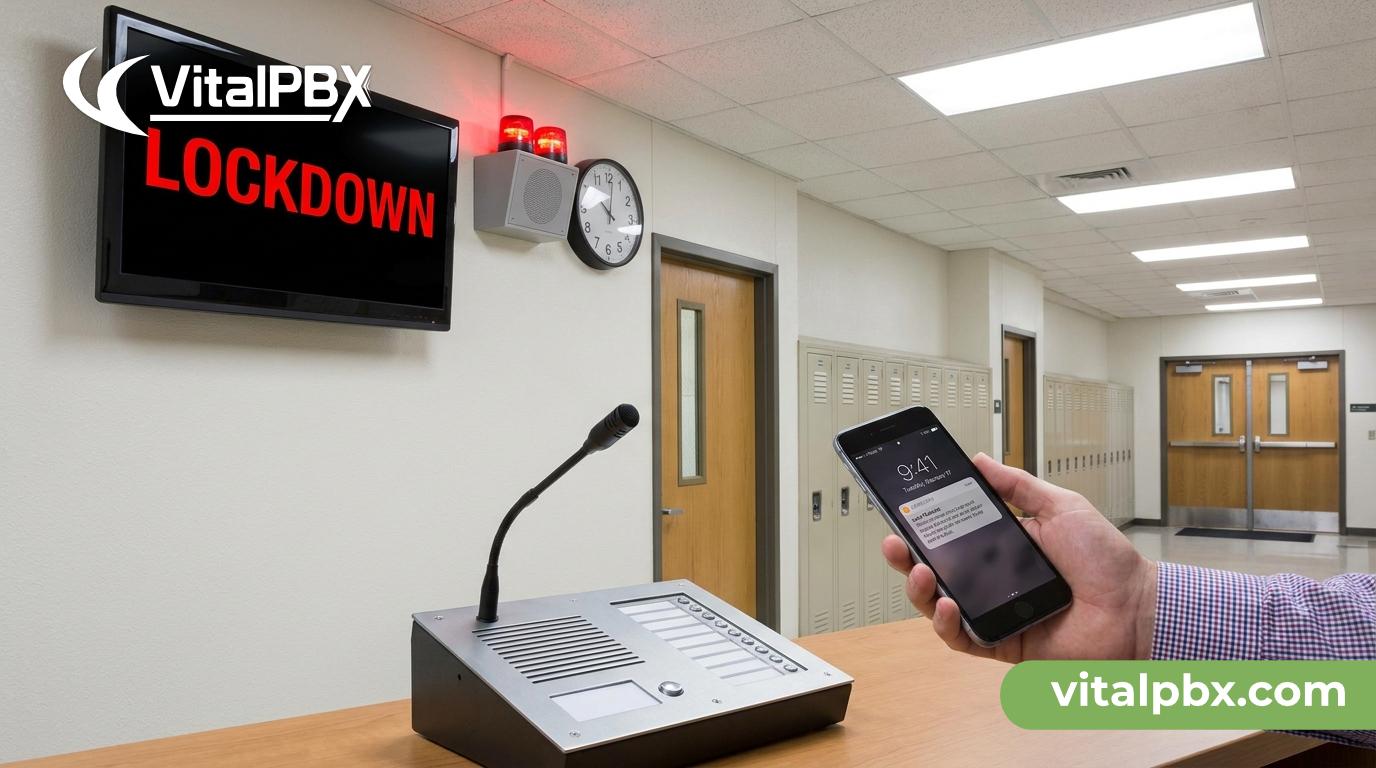
School Lockdown Communication System: How Paging and Alerts Protect Students
When seconds matter, your communication infrastructure is either an asset or a liability. During a school lockdown, the difference between a coordinated response and chaos often comes down to one question: can you reach every staff member, every room, and every zone — simultaneously — without picking up a phone and dialing individual extensions?
Most school IT admins don’t think about their PBX as a safety tool. They think about dial plans, voicemail, and SIP trunks. But when a threat is reported, your phone system becomes your emergency broadcast network. If it can’t deliver a lockdown alert to 80 classrooms in under 10 seconds, it’s not doing its job.
This post walks through how VitalPBX — an enterprise-grade PBX built on Asterisk — can serve as the backbone of a school lockdown communication system. You’ll learn how paging groups, Voicemail Broadcast, and intercom features work together to protect students and staff when it counts most.
Why Traditional School Communication Systems Fail in a Crisis
Most schools rely on a PA system for emergency announcements. That works for lunch schedules. It doesn’t work well for a tiered lockdown response where different zones need different instructions.
Here’s what breaks down in a real emergency:
- Single-point PA announcements reach everyone but provide no two-way confirmation. You don’t know who heard it.
- Manual phone calls to classrooms are too slow. A lockdown can’t wait for a front-desk staff member to dial 80 extensions one by one.
- Email and text alerts depend on staff checking their devices — unreliable under stress.
- Siloed systems — PA over here, phones over there — create coordination gaps that cost critical seconds.
The solution isn’t buying a separate “emergency notification system.” The solution is configuring the phone system you already have — or should have — to handle mass alerts, zone-based paging, and recorded broadcasts from a single platform.
How VitalPBX Handles Emergency Paging and Lockdown Alerts
VitalPBX gives IT admins a set of features designed for exactly this kind of scenario. None of these require additional hardware beyond IP phones with intercom support — which most schools already deploy.
Paging Groups
VitalPBX supports paging groups that allow a single extension to broadcast a live audio message to dozens or hundreds of IP phones simultaneously. When a staff member dials the paging group extension, every phone in that group automatically answers in speaker mode — no one needs to pick up.
You can configure multiple paging groups by zone:
- Zone A: Main building classrooms
- Zone B: Gymnasium and cafeteria
- Zone C: Administrative offices
- Zone D: Portable classrooms
A single staff member — a principal, a safety officer, or a front-desk admin — can trigger a zone-specific or all-campus page in seconds. The announcement plays instantly across every IP phone in scope.
Voicemail Broadcast Groups
This is where VitalPBX’s capability gets particularly valuable for school lockdown scenarios. Voicemail Broadcast Groups allow a single pre-recorded or real-time message to be pushed simultaneously to the voicemail boxes of every extension in a defined group.
Why does this matter for lockdowns?
Because not every staff member is at their desk during an incident. Teachers may be in hallways. A counselor may be in a meeting. Voicemail Broadcast ensures that every individual extension receives the lockdown message — and a record of it — regardless of whether the phone was answered. Staff who missed the live page can retrieve the broadcast message immediately.
You can configure different broadcast groups for:
- All staff
- Administrative staff only
- Security personnel
- Substitute teachers with temporary extensions
Intercom / Auto-Answer
VitalPBX supports intercom calling between extensions, which triggers the receiving phone to auto-answer on speaker. This allows a safety coordinator to open a direct two-way audio channel with a specific classroom or office without the teacher needing to pick up the handset. Hands-free confirmation that a room is locked down, students are accounted for, and help is not needed.
Time Conditions and Call Routing
VitalPBX’s Time Conditions feature lets you pre-configure after-hours routing so that emergency lines are never accidentally forwarded to voicemail during school hours. You define business hours, and the system enforces routing rules automatically. No manual intervention required to keep emergency extensions live.
Building a Layered Lockdown Communication Plan with VitalPBX
A solid school lockdown communication system isn’t a single button — it’s a layered response. Here’s how IT admins can architect that using VitalPBX features.
Layer 1: Immediate Alert (0–30 seconds)
Trigger: Safety officer or principal dials the all-campus paging group extension.
What happens: Every IP phone on campus auto-answers in speaker mode. A live or pre-recorded lockdown announcement plays. Staff hear it instantly — no action required on their end.
VitalPBX feature: Paging Groups
Layer 2: Broadcast Confirmation (30–60 seconds)
Trigger: A recorded lockdown message is pushed to all extension voicemail boxes simultaneously.
What happens: Even staff members who didn’t hear the live page receive the message in their voicemail. The message can include specific instructions — “Secure your classroom, lock the door, do not open for anyone.”
VitalPBX feature: Voicemail Broadcast Groups
Layer 3: Two-Way Check-In (1–5 minutes)
Trigger: Safety coordinator uses intercom to check in with specific classrooms or zones.
What happens: A two-way audio channel opens automatically on the classroom phone. The teacher confirms status without picking up the handset. The coordinator gets eyes-in-ears on every room without leaving the office.
VitalPBX feature: Intercom / Auto-Answer
Layer 4: External Notification
Trigger: Admin calls 911 or notifies the district office via a dedicated outbound trunk.
What happens: VitalPBX’s Class of Service (CoS) controls ensure emergency lines aren’t blocked even if call limits are reached on standard trunks. You configure priority routing so 911 calls always get through.
VitalPBX feature: Class of Service + SIP Trunk Configuration
Deployment Considerations for School IT Admins
Getting this right requires planning beyond just configuring paging groups. Here are the practical considerations IT admins should account for.
Hardware Requirements
VitalPBX runs on a standard server or VPS with a clean Debian 12 64-bit minimal installation — no proprietary hardware required. VitalPBX Installation Guide — https://wiki.vitalpbx.com.
For paging and intercom to work, you need IP phones that support auto-answer and multicast paging. Most Yealink, Poly, and Cisco IP phones support both.
Network Segmentation
Put your VoIP phones on a dedicated VLAN with QoS policies that prioritize RTP traffic. During a lockdown, you cannot afford voice quality degradation caused by competing network traffic. This is standard VoIP best practice but becomes critical in emergency use cases.
Redundancy
Consider a hot standby or cloud-hosted VitalPBX instance for failover. If your on-premise server goes down during an incident, your lockdown communication system goes with it. VitalPBX supports high-availability configurations to address this.
Testing
Schedule quarterly lockdown drills that include your communication system. Trigger the paging group. Push a test broadcast. Confirm auto-answer works in every room. Document which extensions failed to respond and investigate. A communication system that’s never tested is a communication system you can’t trust.
Frequently Asked Questions
What is a school lockdown communication system?
A school lockdown communication system is a set of tools and protocols that allow school staff to rapidly broadcast emergency alerts, coordinate responses, and maintain two-way communication during a security incident. It typically includes PA systems, IP phone paging groups, mass notification tools, and intercom capabilities — ideally integrated into a single platform like a PBX.
Can VitalPBX broadcast a lockdown alert to all classrooms at once?
Yes. VitalPBX supports paging groups that auto-answer every IP phone in a defined group simultaneously when a designated extension is dialed. A single staff member can push a live audio message to every classroom, office, or zone on campus within seconds, without anyone needing to pick up their phone.
What is Voicemail Broadcast and how does it help during a lockdown?
Voicemail Broadcast in VitalPBX allows a single recorded message to be delivered simultaneously to the voicemail boxes of every extension in a defined group. During a lockdown, this ensures that staff members who missed a live page — because they were in a hallway, a restroom, or a meeting — still receive the alert and instructions as soon as they return to their phone.
Does VitalPBX require special hardware to run in a school?
No. VitalPBX installs on any server or VPS running a clean Debian 12 64-bit minimal installation. No proprietary appliances are required. For paging and intercom features, you need IP phones that support multicast paging and auto-answer, which are standard capabilities on most commercial IP phone models from Yealink, Poly, and Cisco.
How does VitalPBX compare to 3CX for multi-school district deployments?
VitalPBX’s Multi-Tenant plan allows IT admins to run separate, isolated PBX instances for each school in a district from a single server — up to approximately 100 tenants. 3CX requires a separate server for each PBX instance, which significantly increases hardware and management costs. VitalPBX also has no per-extension fees, so deploying 500 extensions across a district costs the same as deploying 50.
Can VitalPBX ensure 911 calls always get through during high call volume?
Yes. VitalPBX’s Class of Service feature allows IT admins to assign call priority rules that ensure emergency outbound calls — including 911 — are never blocked by call volume limits on standard SIP trunks. You can configure dedicated emergency trunk routes that bypass standard dial plan restrictions.
Is VitalPBX suitable for smaller schools with limited IT staff?
Absolutely. VitalPBX’s web-based GUI makes it manageable without deep command-line expertise, and its documentation at wiki.vitalpbx.com is comprehensive. For schools with minimal IT staff, the VitalPBX One plan offers the core feature set — including paging and voicemail broadcast — with commercial support available to help with configuration.
Your Phone System Should Be Part of Your Safety Plan
A lockdown drill without testing your communication system is an incomplete drill. Every school has an emergency response plan — but far too many schools have a phone system that wasn’t configured with that plan in mind.
VitalPBX gives IT admins the tools to build a school lockdown communication system that’s fast, layered, and reliable: live paging to every classroom, broadcast voicemail to every extension, intercom check-ins with individual rooms, and priority routing for 911. All on a platform with no per-extension fees and no proprietary hardware dependencies.
If you’re responsible for your school’s or district’s communication infrastructure, the best time to configure this correctly is before you need it.
Book a live demo with the VitalPBX team and see how paging, intercom, and broadcast tools work in a real deployment.
- 🇺🇸 US/Americas: Schedule a Demo
- 🇪🇺 Europe: Schedule a Demo