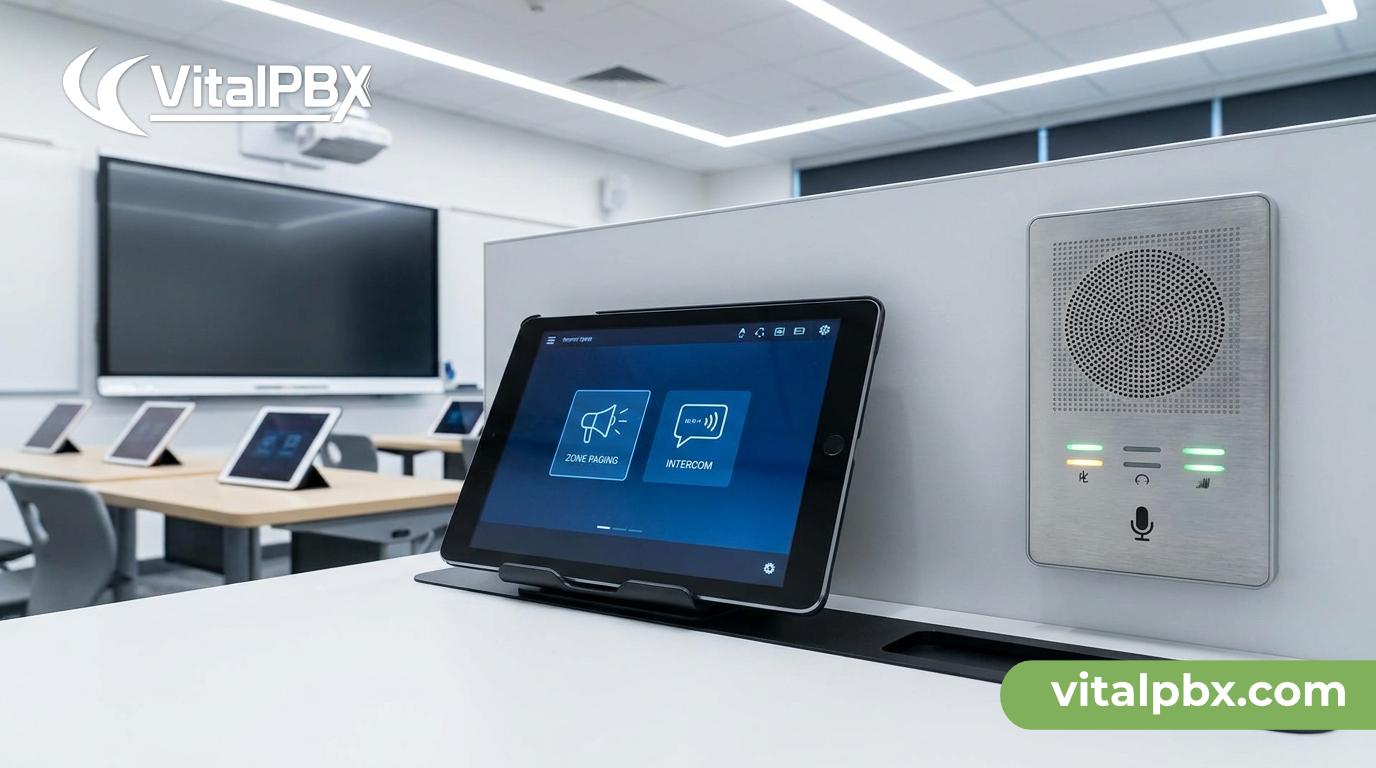
The Complete Guide to Classroom Paging and Intercom Systems in 2026
Managing communication across a school building is harder than it looks. Bell schedules, emergency announcements, two-way intercom calls between classrooms and the front office, zone-based paging to specific wings or floors — these are real operational needs that basic phone systems simply were not designed to handle well.
If you’re an IT admin responsible for a K–12 school, college campus, or any multi-room educational facility, you already know the gap between “we have phones” and “we have a communication system that actually works.” This guide closes that gap.
We’ll cover how modern classroom paging systems work, what features matter most in 2026, how VoIP-based solutions are replacing legacy overhead PA systems, and how VitalPBX delivers a complete, configurable paging and intercom solution — without the licensing fees that come with most enterprise platforms.
Why Legacy Classroom Paging Systems Are Failing Schools
Most schools still run one of two aging setups: a traditional analog PA system wired to a central amplifier, or an old PBX with basic intercom buttons that nobody fully understands. Both have served their purpose — but both are showing serious cracks.
Analog PA systems are one-way and inflexible. You can broadcast to the whole building, but you cannot page a single classroom, a specific floor, or a group of rooms in the science wing. If the amplifier fails, the entire system goes down. Adding a new room means running new cable.
Legacy PBX intercoms are slightly more flexible but still limited. Configuration changes require vendor intervention or a specialist. Integration with modern tools — IP phones, softphones, mobile apps, scheduling platforms — is either impossible or expensive.
The result is a patched-together communication environment that frustrates staff, creates safety blind spots during emergencies, and costs money in maintenance without delivering modern functionality.
Schools in 2026 need paging and intercom systems that are zone-aware, IP-native, centrally managed, and built for both routine use and emergency response.
What a Modern Classroom Paging System Actually Needs
Before you evaluate any solution, align your team on the functional requirements. Here is what a complete classroom communication system looks like in 2026:
Zone-based paging. You need to page classrooms 101–110 without disturbing the gym or the library. Zone paging lets you define logical groups — by floor, building wing, grade level, or any custom grouping — and target announcements precisely.
Two-way intercom. A teacher should be able to initiate a direct call to the front office, and the front office should be able to reach any classroom without dialing a full extension number. This is the backbone of day-to-day operations.
One-way overhead announcements. Bell schedules, lunch reminders, early dismissal notices — these broadcast to all endpoints simultaneously without requiring a response.
Emergency override paging. In a lockdown or fire drill, the system must be able to cut through any active call or in-use status and push a message to every endpoint, no exceptions.
Scheduled announcements. Automated bell tones, pre-recorded messages, and schedule-driven broadcasts should run without manual intervention.
IP endpoint support. Physical IP phones, overhead IP speakers, SIP-enabled PA systems, and softphones on staff laptops should all live on the same system.
Centralized management. IT should be able to add rooms, change zones, update schedules, and audit call logs from a single web-based interface — without calling a vendor.
How VitalPBX Powers Classroom Paging and Intercom
VitalPBX is an enterprise-grade PBX platform built on Asterisk, the world’s most widely deployed open-source telephony engine. What makes it a strong fit for educational environments is the combination of deep feature coverage, zero per-extension fees, and a management interface designed for IT generalists — not just telephony specialists.
Here is how the core VitalPBX modules map directly to classroom communication requirements.
Paging and Intercom Groups
VitalPBX includes a native Paging and Intercom module that lets you create named paging groups, assign extensions, and configure behavior per group. You can define a “North Wing” group, a “Gymnasium” group, a “Whole Campus” group, and a “Front Office” group — all independently configurable.
When a user dials the paging group’s extension, VitalPBX auto-answers the assigned endpoints and pushes the audio one-way. For intercom calls, the target phone auto-answers in speakerphone mode, enabling hands-free two-way communication — exactly what a teacher needs when managing a classroom.
Multicast Paging
For large-scale deployments — think 200 IP endpoints across a campus — VitalPBX supports multicast paging via SIP. Instead of opening individual call legs to every endpoint (which strains the server), multicast paging sends a single audio stream that all subscribed devices receive simultaneously. This scales efficiently whether you have 20 classrooms or 200.
Most modern IP phones and overhead IP speakers from manufacturers like Algo, CyberData, and Grandstream support SIP multicast out of the box. [Link: VitalPBX Compatible Devices — https://vitalpbx.com/]
Ring Groups and Direct Intercom Extensions
The front office needs a simple way to reach any classroom. In VitalPBX, you can assign every classroom a clean, memorable extension — Room 101 is extension 101, Room 205 is extension 205. Speed dial lists, directory entries, and BLF (Busy Lamp Field) keys on the front desk phone make it point-and-click simple.
Ring groups let you define “All Teachers” or “Grade 5 Classrooms” as a single dialable destination, so a single call reaches everyone in the group simultaneously or in sequence, depending on your ring strategy.
Time Conditions and Scheduled Broadcasts
VitalPBX’s Time Conditions module controls call flow based on day, date, and time. For school use, this means:
- Bell tones play automatically at scheduled times via an IVR or audio injection point
- After-hours calls route to voicemail or an on-call administrator
- Emergency paging groups remain active outside normal hours regardless of time condition rules
Pair this with the Audio From Text feature — which converts typed text to natural-sounding audio using AI — and you can generate pre-recorded announcements without recording a human voice every time. Update the morning announcement message from your admin panel and let the system play it automatically at 8:05 AM.
Voicemail with AI Transcription
Teachers and administrators receive voicemail to email, with AI-powered transcription so a missed message reads as text in an email inbox — no need to dial in and listen. This is particularly useful for office staff managing high call volumes during the school day.
IVR for Multi-School or Multi-Building Routing
If you manage a district with multiple campuses, VitalPBX’s IVR (Interactive Voice Response) module lets you build routing menus that direct inbound callers to the right building, department, or person. The whole district runs on a single VitalPBX instance — no separate systems per school.
Built-In Security
Schools are a high-value target for toll fraud and SIP scanning attacks. VitalPBX ships with a built-in firewall and intrusion detection system (Fail2Ban integration) that automatically blocks brute-force attempts and flags unusual call patterns. This is not a bolt-on — it’s part of the core platform.
VitalPBX vs. Legacy and Hosted School Phone Systems
Understanding where VitalPBX sits relative to other options helps you make the right decision for your district.
VitalPBX vs. Traditional Analog PA Systems
Analog PA is one-way, not zone-configurable without significant hardware investment, and physically fragile. VitalPBX with IP endpoints is software-defined — zones change in the web interface, not in the wiring closet. Adding a new classroom means plugging in an IP phone or IP speaker, not running new cable to the amplifier.
VitalPBX vs. Hosted VoIP Services
Hosted VoIP vendors charge per user, per month. A school with 150 staff phones at $25/user/month is paying $3,750/month — $45,000/year — and still may not get native multicast paging, zone configuration, or on-premise control of emergency broadcasts.
VitalPBX is self-hosted on your own server or a VPS you control. There are no per-extension fees. Whether your school has 50 extensions or 500, the license cost does not change. You own the infrastructure, control the data, and are never dependent on a vendor’s uptime for your emergency communication system.
VitalPBX vs. 3CX
3CX is a well-known hosted/on-premise PBX competitor. If you manage multiple schools or buildings as separate entities, 3CX requires a separate server instance per PBX — which multiplies your infrastructure and licensing costs. VitalPBX’s Multi-Tenant architecture runs multiple independent PBX instances on a single server, making it far more efficient for district-wide or MSP-managed deployments. Link: VitalPBX vs 3CX.
VitalPBX Plans: Which One Is Right for Your School?
VitalPBX offers several license tiers. Here is how they map to educational use cases:
Community (Free): Supports up to 10 extensions. Useful for a very small office or lab environment — not suitable for a full school deployment.
VitalPBX One: Designed for SMBs, this plan includes Microsoft Teams integration, the VitalPBX Connect mobile app for staff phones, and Multi-Tenant support. A strong fit for small schools or a single-campus deployment that wants Teams integration for administrative staff.
Enterprise: Supports up to 5,000 extensions with the full feature set and commercial support. The right choice for most school districts, large campuses, or any deployment where reliability and support response time matter.
Call Center: Includes everything in Enterprise plus Sonata Stats, queue management, and outbound dialing tools. Relevant if your district runs a centralized parent communication center or attendance hotline.
Multi-Tenant: Built for MSPs and resellers managing multiple client PBXs on a single server — ideal if you’re an IT service provider supporting multiple school districts from one platform. Practical capacity is approximately 100 tenants per server based on the underlying Asterisk engine architecture.
You can start a free trial of any commercial plan:
Deployment: What You Need to Get Started
VitalPBX installs on a fresh Debian 12 64-bit minimal server — either on-premise hardware or a VPS in the cloud. That’s the only officially supported operating system. Debian 12 download is free, and installation documentation is available at wiki.vitalpbx.com.
For a typical school deployment, plan for:
- A dedicated server or VM with adequate RAM and CPU for your expected concurrent call volume
- A SIP trunk from your preferred ITSP for external calling
- IP phones or IP overhead speakers (SIP-capable) at each endpoint
- A PoE network switch if you’re running IP phones over Ethernet
- Your IT team’s time — initial setup is measured in hours, not weeks
VitalPBX does not require a telephony hardware card for VoIP-only deployments. If you need to connect to legacy analog lines or existing analog PA infrastructure, a compatible ATA (Analog Telephone Adapter) handles the conversion at the edge.
Frequently Asked Questions
What is a classroom paging system?
A classroom paging system is a communication infrastructure that allows one-way or two-way audio messaging between a central point — typically the front office or administration — and individual classrooms, zones, or the entire building. Modern systems use SIP-based IP phones and speakers connected over a network, replacing older analog PA equipment. They support zone-based broadcasts, intercom calls, scheduled announcements, and emergency overrides.
Can VitalPBX replace a traditional school PA system?
Yes. VitalPBX, combined with SIP-capable IP speakers and phones, replicates and extends everything a traditional analog PA system does — zone paging, one-way broadcasts, scheduled bells — while adding two-way intercom, voicemail, call routing, and centralized management through a web interface. You do not need a separate PA controller or amplifier for IP-based endpoints.
Does VitalPBX support emergency paging for school lockdowns?
VitalPBX supports priority paging groups that can be configured to override normal call handling and push audio to all endpoints simultaneously. For formal mass notification and emergency alert system (EAS) integration, you would typically pair VitalPBX with a dedicated IP alerting device or CyberData/Algo emergency button — both of which are SIP-compatible and work with VitalPBX natively.
How many classrooms can VitalPBX support?
VitalPBX Enterprise supports up to 5,000 extensions on a single instance. For a school or district, this is far more than sufficient. A typical K–12 campus with 60 classrooms, administrative offices, and common areas might deploy 80–150 endpoints total. Multicast paging keeps concurrent broadcast load minimal regardless of endpoint count.
Is VitalPBX difficult for IT admins to manage without telephony experience?
VitalPBX is designed with a web-based GUI that IT generalists can manage without deep Asterisk or telephony expertise. Common tasks — adding extensions, creating paging groups, adjusting time conditions, reviewing call logs — are all handled through clearly labeled admin panels. Commercial plans include support access, and comprehensive documentation is available at wiki.vitalpbx.com.
Does VitalPBX work with IP overhead speakers for hallway or cafeteria paging?
Yes. VitalPBX works with any SIP-compatible IP overhead speaker. Devices from Algo (e.g., Algo 8301), CyberData, and similar manufacturers register as standard SIP extensions or multicast listeners. You configure them the same way you would any other endpoint — assign to a paging group, set zone membership, and they are ready.
What does it cost to run VitalPBX for a school district?
VitalPBX has no per-extension fees. You pay a flat license for your chosen plan — Enterprise, for example — and scale extensions to whatever your district needs without the cost increasing. Compare this to hosted VoIP services that charge $20–35 per user per month, which at 200 staff phones amounts to $48,000–$84,000 per year. VitalPBX’s self-hosted model typically delivers dramatically lower total cost of ownership over a three-to-five year period.
Ready to Modernize Your School’s Communication System?
A classroom paging system built on VitalPBX gives your school or district IP-native zone paging, two-way intercom, emergency override broadcasting, scheduled announcements, and a centralized management interface — all on a platform that won the 2026 INTERNET TELEPHONY Product of the Year Award and scales to 5,000 extensions without per-user fees.
If you want to see how it works for your specific environment, book a live demo with the VitalPBX team. Sessions are available across US Eastern Time and European time zones.
- Book a Demo (US ET): https://calendly.com/vitalpbx/learn-more
- Book a Demo (Europe): https://calendly.com/semarze-vitalpbx/learn-more-about-vitalpbx-europe-time