
How to Migrate from an On-Premise PBX to a VoIP PBX System: A Complete Guide
Thinking about making the leap from a traditional on-premise PBX to a modern VoIP PBX system? You’re not alone. In 2026, thousands of businesses are making this transition every month — and for good reason. Legacy PBX systems are expensive to maintain, difficult to scale, and simply can’t compete with the flexibility and cost savings that VoIP technology offers.
Whether you’re running a small business or managing enterprise-level communications, migrating from an on-premise PBX to a VoIP PBX system is one of the smartest infrastructure decisions you can make today. This guide will walk you through everything you need to know: from understanding why the migration matters, to planning your transition, executing the move, and ensuring long-term success.
Why Migrate from an On-Premise PBX to a VoIP PBX System?
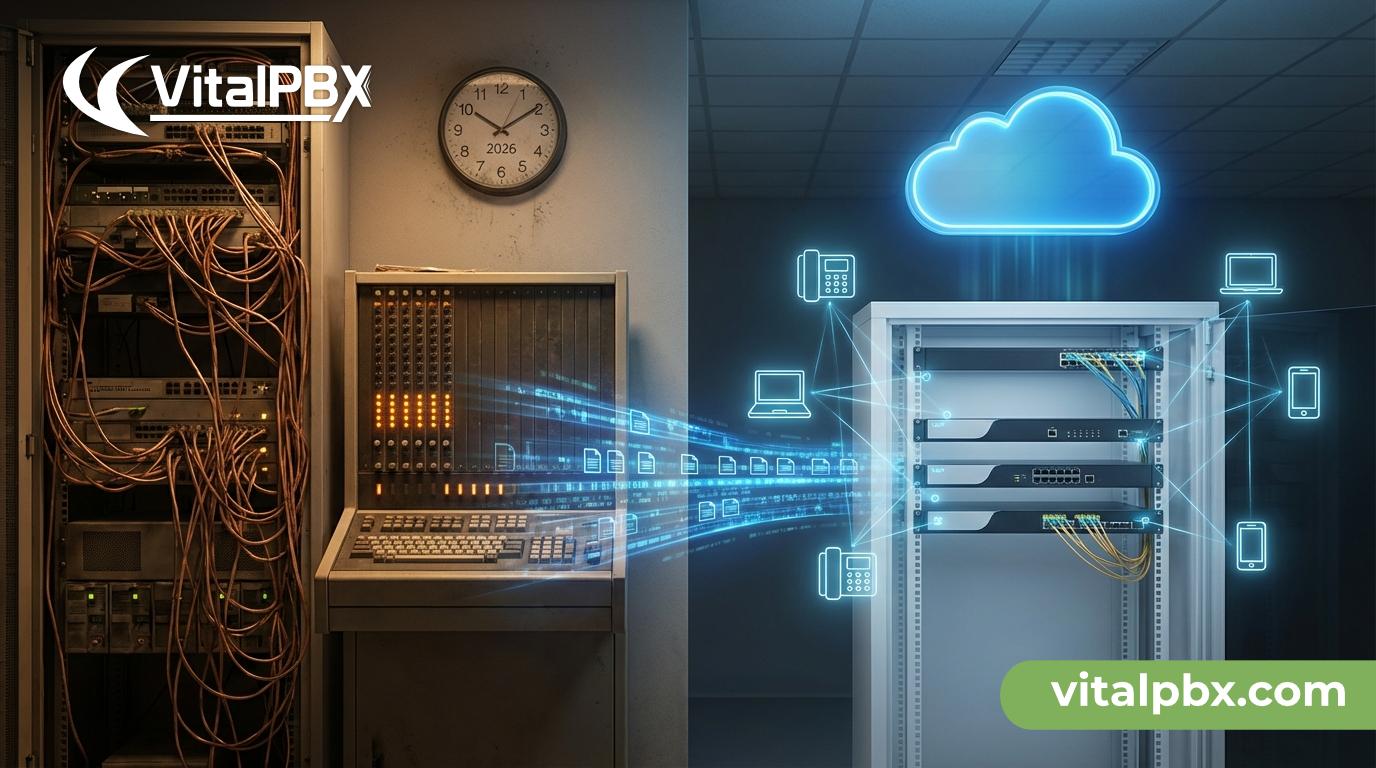
Before diving into the “how,” it’s worth understanding the “why.” Traditional PBX systems — also known as hardware-based or analog PBX — have served businesses reliably for decades. But in an era of remote work, cloud computing, and digital-first communication, they’re beginning to show their age.
The Limitations of Legacy PBX Systems
- High maintenance costs: Hardware-based PBX systems require dedicated IT staff, physical hardware replacements, and vendor-specific support contracts.
- Limited scalability: Adding new users or lines often requires physical installation and significant upfront investment.
- No remote work support: Traditional systems tie employees to a desk phone, making hybrid or remote work setups frustrating and inefficient.
- Lack of advanced features: Modern collaboration tools like video conferencing, call analytics, CRM integrations, and mobile extensions are either unavailable or extremely costly to add.
- End-of-life hardware: Many legacy PBX manufacturers have discontinued support for older models, leaving businesses vulnerable to security risks.
The Benefits of Switching to VoIP PBX
A VoIP (Voice over Internet Protocol) PBX system routes calls over the internet instead of traditional copper phone lines. This fundamental shift unlocks a wide range of advantages:
- Drastically reduced call costs, especially for long-distance and international calls
- Easy scalability — add or remove users with just a few clicks
- Unified communications — voice, video, messaging, and conferencing in one platform
- Remote and mobile access — employees can make and receive calls from anywhere
- Advanced features included at no extra cost: IVR, voicemail-to-email, call recording, and more
- Lower hardware dependency — many setups run entirely on software
According to Gartner research, businesses that migrate to cloud-based or software-driven VoIP systems report up to 50% reduction in communication costs within the first year.
Planning Your PBX Migration: What to Do Before You Switch
A successful migration from on-premise PBX to VoIP doesn’t happen overnight. Careful planning is the foundation of a smooth transition. Rushing this phase is the number one cause of failed migrations.
Step 1: Audit Your Current System
Start by documenting everything about your existing setup:
- Number of active phone lines and extensions
- Types of hardware in use (phones, gateways, switches)
- Current call volume and peak usage hours
- Existing features and integrations (CRM, helpdesk tools, etc.)
- Monthly costs: hardware, maintenance, and carrier fees
This audit gives you a clear picture of what you have, what you need to replace, and what you can potentially reuse.
Step 2: Assess Your Network Infrastructure
VoIP is highly dependent on your internet connection and local network quality. Before migrating, evaluate:
- Bandwidth availability: VoIP calls typically require 100 kbps per concurrent call. For 20 simultaneous calls, you need at least 2 Mbps dedicated to voice.
- Network latency and jitter: High latency (above 150ms) and jitter can cause choppy audio and dropped calls.
- QoS (Quality of Service) settings: Your router and switches should be configured to prioritize voice traffic over general data traffic.
- Switch and router capabilities: Ensure your network hardware supports VLANs and QoS tagging.
If your network isn’t ready, invest in upgrades before the migration begins. This step is non-negotiable.
Step 3: Choose the Right VoIP PBX Solution
Not all VoIP PBX platforms are created equal. When evaluating your options, look for:
- Open-source flexibility vs. proprietary licensing — Open-source solutions like VitalPBX give you full control without expensive per-seat licensing fees.
- On-premise, cloud, or hybrid deployment — Decide whether you want to host the PBX on your own servers, in the cloud, or a combination of both.
- Feature set — Ensure the platform supports your required features: auto-attendant, call queues, ring groups, reporting, and integrations.
- Support and community — A robust support ecosystem is critical, especially during the migration phase.
- Security features — Look for built-in firewalling, fail2ban integration, TLS/SRTP encryption, and regular security updates.
VitalPBX, for example, is a powerful open-source PBX platform built on Asterisk that offers enterprise-grade features with a clean management interface and strong community support — making it an excellent choice for businesses of all sizes.
The Step-by-Step Migration Process: From Legacy PBX to VoIP
Once planning is complete, it’s time to execute the migration. A phased approach is always recommended over a “big bang” cutover, especially for businesses that can’t afford communication downtime.
Phase 1: Set Up Your New VoIP PBX in Parallel
Install and configure your new VoIP PBX system alongside your existing one. Do not decommission the old system yet. This parallel setup lets you:
- Test configurations without impacting live calls
- Train staff on the new system gradually
- Identify and resolve issues before full cutover
If you’re deploying VitalPBX, the installation process is straightforward. You can install it on a dedicated server, a virtual machine, or even a cloud instance. The VitalPBX setup wizard guides administrators through initial configuration quickly.
Phase 2: Configure Extensions, IVR, and Call Flows
Recreate your existing phone system structure in the new VoIP PBX:
- Create extensions for all users
- Set up ring groups and call queues to mirror existing routing logic
- Configure your IVR (auto-attendant) with your menu options and prompts
- Set voicemail for each user
- Integrate with existing tools — CRM, ticketing systems, etc.
- Test every call path internally before porting numbers
Take this opportunity to improve your call flows. Many businesses discover during migration that their old IVR menus were confusing or outdated.
Phase 3: Connect to a SIP Trunk Provider
To make and receive external calls via VoIP, you need a SIP trunk provider. This replaces your traditional PSTN (Public Switched Telephone Network) lines.
When choosing a SIP trunk provider, consider:
- Pricing structure (per-minute vs. unlimited channels)
- Geographic coverage (local, national, and international numbers)
- Number porting support — can they port your existing business numbers?
- Reliability and uptime SLAs
- Compatibility with your VoIP PBX platform
Popular SIP trunk providers compatible with VitalPBX include Twilio, VoIP.ms, Telnyx, and Flowroute.
Phase 4: Port Your Phone Numbers
Number porting — transferring your existing business phone numbers to the new VoIP system — is a critical step. Here’s what to expect:
- Porting typically takes 5–15 business days, depending on your current carrier
- You can use temporary numbers during the porting period to avoid downtime
- Ensure your SIP trunk provider submits a Letter of Authorization (LOA) to the releasing carrier
Never cancel your old carrier service before the port is confirmed complete. Doing so can result in losing your phone numbers permanently.
Phase 5: Cut Over and Decommission the Legacy System
Once testing is complete, numbers are ported, and your team is trained, it’s time to go live. Schedule the cutover during off-peak hours (evenings or weekends) to minimize disruption.
After cutover:
- Monitor call quality closely for the first 48–72 hours
- Have your IT team on standby for any urgent issues
- Gradually phase out legacy hardware as confidence in the new system grows
- Document the new configuration for future reference
Optimizing Your VoIP PBX System After Migration
Migration is just the beginning. To maximize the value of your new VoIP PBX system, ongoing optimization is essential.
Monitor Call Quality Continuously
Use your PBX’s built-in reporting and CDR (Call Detail Records) tools to track call quality metrics. VitalPBX includes dashboards and reporting features that make this easy.
Leverage Advanced Features You Didn’t Have Before
Post-migration is the perfect time to implement features your old system couldn’t support:
- Call recording for compliance and training
- Wallboards and live dashboards for call center visibility
- CRM integrations — link calls to customer records automatically
- Mobile softphone apps — let remote employees use their smartphones as office extensions
- Voicemail-to-email transcription for faster message management
Regularly Review Your SIP Trunk Costs
As your business evolves, so do your call patterns. Periodically review your SIP trunk plan to ensure you’re not overpaying for unused capacity or underprovisioning during peak periods.
For deeper insight into how VitalPBX can help you build a scalable communication system, check out our article on VitalPBX features and configuration best practices on the VitalPBX blog.
Frequently Asked Questions About Migrating to VoIP PBX
How long does it take to migrate from an on-premise PBX to a VoIP PBX system?
The timeline varies depending on the size of your organization and the complexity of your setup. A small business with 10–20 users can typically complete the migration in 1–2 weeks. Larger enterprises may need 4–8 weeks or more, especially if number porting is involved.
Will my existing desk phones work with a VoIP PBX?
It depends on the phone model. Many modern IP phones (SIP-compatible phones) will work with a VoIP PBX. Older analog phones can be connected using an Analog Telephone Adapter (ATA). Check your phone model’s compatibility before the migration.
Is VoIP secure enough for business communications?
Yes, when properly configured. Modern VoIP PBX systems like VitalPBX support TLS (Transport Layer Security) and SRTP (Secure Real-Time Transport Protocol) encryption, plus built-in security tools to prevent toll fraud and unauthorized access.
Can I keep my existing phone numbers when switching to VoIP?
Absolutely. Number porting allows you to transfer your existing business phone numbers to your new VoIP provider. The process typically takes 5–15 business days.
What internet speed do I need for VoIP?
A general rule is 100 kbps per concurrent call. For most small businesses, a standard broadband connection is sufficient, provided QoS is properly configured to prioritize voice traffic.
What happens to my fax machines after migrating to VoIP?
Traditional fax machines can be connected via an ATA adapter, or you can switch to a virtual fax service (FoIP). Many businesses use the migration as an opportunity to eliminate physical fax machines entirely.
Is open-source VoIP PBX reliable for business use?
Yes. Open-source platforms like VitalPBX, built on the battle-tested Asterisk engine, power mission-critical communications for thousands of businesses worldwide. The key is proper configuration, regular updates, and a well-maintained network.
Did You Know?
- The global VoIP market is projected to surpass $100 billion by 2026, driven largely by businesses migrating away from legacy PBX infrastructure.
- Businesses that switch to VoIP report an average of 30–50% reduction in monthly phone bills.
- Remote and hybrid work trends have accelerated VoIP adoption, with over 70% of new business phone system deployments in 2026 being VoIP-based.
- VoIP systems offer 99.99% uptime when deployed with proper redundancy, rivaling or exceeding traditional PSTN reliability.
Conclusion: Your Path to a Smarter, More Scalable Phone System
Migrating from an on-premise PBX to a VoIP PBX system is no longer a question of “if” — it’s a matter of “when” and “how.” With the right planning, the right platform, and the right execution strategy, the transition can be smooth, cost-effective, and transformative for your business communications.
To recap the key steps:
- Audit your existing system and network infrastructure
- Choose a VoIP PBX platform that fits your needs and budget
- Set up your new system in parallel before cutting over
- Connect to a reliable SIP trunk provider and port your numbers
- Train your team and monitor quality post-migration
- Leverage advanced features to maximize your investment
The future of business communications is flexible, software-driven, and internet-powered. VoIP PBX isn’t just a replacement for your old system — it’s an upgrade that opens the door to unified communications, remote work enablement, and smarter business operations.
Ready to make the move? Download and try VitalPBX for free today. VitalPBX is a free, open-source PBX platform trusted by businesses and service providers around the world. With enterprise-grade features, an intuitive management interface, and a thriving support community, it’s the ideal foundation for your VoIP migration journey.
👉 Visit vitalpbx.com to download VitalPBX and start your free trial — no licensing fees, no per-seat costs, just powerful business communications built for 2026 and beyond.