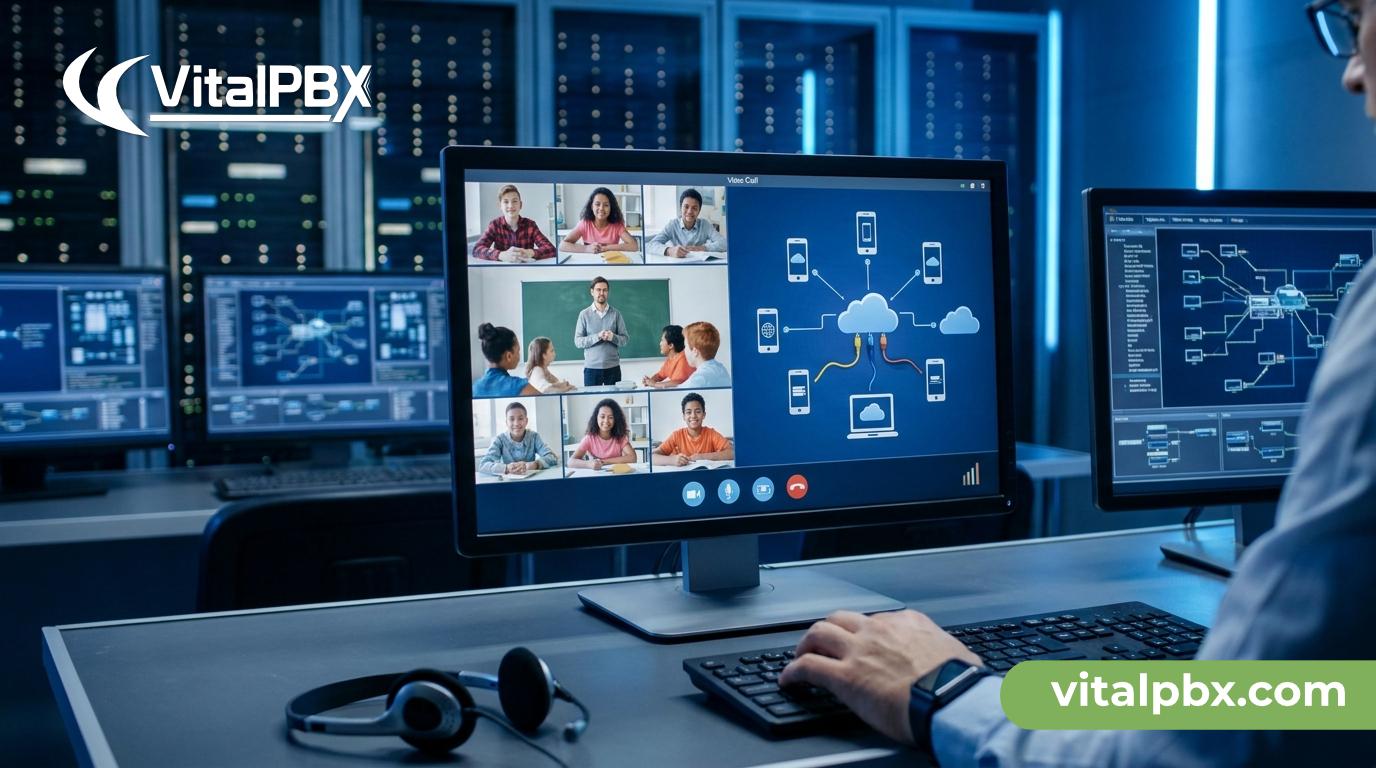
Video Conferencing PBX for Education: What IT Admins Need to Know
Hybrid classrooms are no longer an experiment — they’re the new normal. Students join from home, teachers present from campus, and administrative staff coordinate across multiple buildings or sites. The communication infrastructure holding all of this together needs to do more than just route phone calls.
If you’re an IT admin responsible for a school, college, or university, you’ve probably already felt the pressure. Video tools get bolted on. Phone systems stay separate. Staff juggle three apps before 9 a.m. What you actually need is a PBX that handles voice, video, and conferencing from a single platform — without ballooning your licensing costs as enrollment grows.
This post breaks down exactly what to look for in a video conferencing PBX for education environments, why most generic solutions fall short, and how VitalPBX addresses the specific demands of hybrid learning institutions.
Why Traditional Phone Systems Fail Hybrid Education
Most legacy PBX systems were designed for a single building with predictable call volumes. They were never built to support the fluid, distributed nature of a hybrid school or university.
When institutions tried to adapt, they ended up layering separate video conferencing tools on top of aging phone infrastructure. That creates immediate problems: duplicate vendor contracts, inconsistent user experiences, and a security posture that’s nearly impossible to manage centrally.
There’s also the cost structure. Many commercial phone and conferencing systems charge per user or per extension. For an institution with hundreds of staff and thousands of students, those per-seat fees compound fast — and they scale directly with your enrollment, not your budget.
Finally, most school IT teams are small. They can’t afford systems that require dedicated administrators or expensive third-party support for every configuration change. The tools need to be manageable without a team of specialists.
What a Video Conferencing PBX for Education Actually Needs
Before evaluating any platform, IT admins should validate it against a clear set of requirements. Here’s what actually matters in an education setting.
Built-In Video Conferencing — Not a Bolt-On Integration
The conferencing capability should be native to the PBX, not a third-party plugin you’re responsible for maintaining. Native video conferencing means tighter security controls, simpler administration, and fewer failure points when a lecture or staff meeting is about to start.
Look for platforms that support WebRTC-based conferencing, which allows participants to join from a browser without installing anything. That matters enormously when you’re supporting students on managed Chromebooks, shared lab computers, or personal devices.
Scalable Extension Architecture Without Per-User Fees
Enrollment numbers change. Staff turnover is constant. A new semester might add hundreds of new accounts, and a summer program might spin up an entirely separate sub-institution.
A PBX that charges per extension punishes growth. For education, you need a licensing model that lets you add extensions freely — one that prices by capability, not headcount.
Multi-Tenant Support for Multi-Campus or District Deployments
A school district with six campuses shouldn’t need six separate PBX servers. A university with a main campus and satellite sites needs centralized administration without losing site-specific configuration.
Multi-tenant architecture allows a single server to host multiple independent PBX environments. Each campus or department gets its own dial plan, users, and settings — but IT manages it all from one place.
Secure by Design
Educational institutions are high-value targets for VoIP toll fraud and unauthorized access. A PBX in an education environment must include a built-in firewall, intrusion detection, and the ability to lock down access by country, IP range, or user behavior.
Compliance with data privacy regulations — including FERPA in the US and GDPR in the EU — also depends on having control over where call recordings and voicemail data are stored.
Integration With Existing Tools
Most schools already use some combination of Microsoft Teams, Google Workspace, or a learning management system. The PBX doesn’t need to replace all of that — but it should connect cleanly with the tools staff already use, without requiring middleware you have to maintain yourself.
How VitalPBX Meets These Requirements
VitalPBX is an enterprise-grade PBX built on Asterisk, available as open-source software with optional commercial plans. It’s designed to be self-hosted on-premise or on a VPS — giving your institution full control over data and infrastructure.
Here’s how it maps to the education checklist above.
Native Video Conferencing
VitalPBX includes built-in video conferencing as part of its core feature set. Users can initiate and join video calls directly through the Vitxi WebRTC softphone — a browser-based client that requires no software installation. Students and staff can participate in video conferences from any device with a modern browser.
This is not a third-party integration that breaks when an API changes. It’s part of the platform, managed from the same admin interface as everything else.
No Per-Extension Fees — Add 5,000 Users if You Need To
This is one of VitalPBX’s most significant advantages for education. There are no per-user or per-extension fees. You can run 10 extensions or 5,000 extensions — the license cost stays the same.
For a growing institution, that’s a fundamentally different cost model than what you get from most commercial PBX vendors. Enrollment goes up, headcount increases, new programs launch — none of it triggers a larger licensing bill.
Explore VitalPBX Plans and Pricing — https://vitalpbx.com/pricing/
Multi-Tenant Architecture for Districts and Multi-Campus Deployments
VitalPBX supports full multi-tenant operation on a single server. Each tenant — whether it’s a campus, a department, or a subsidiary school — operates in its own isolated environment with its own extensions, dial plans, time conditions, and IVR configurations.
The practical capacity is approximately 100 tenants per server, which comfortably covers most district deployments. IT manages all of it from a single administrative interface, with the ability to delegate tenant-level administration to department coordinators without granting system-wide access.
VitalPBX Multi-Tenant — https://vitalpbx.com/multi-tenant/
Built-In Firewall and Intrusion Detection
VitalPBX ships with a built-in firewall and intrusion detection system. Suspicious activity — such as repeated failed authentication attempts — triggers automatic blocking. You can define allowlists by country or IP range, which is particularly valuable for institutions that only need domestic access but face international toll fraud attempts.
Because VitalPBX is self-hosted, all call recordings, voicemail transcriptions, and CDR data stay on your infrastructure. You decide where it lives and who can access it — critical for FERPA and GDPR compliance.
AI-Powered Features That Reduce Admin Burden
Small IT teams benefit from automation. VitalPBX includes voicemail with AI transcription, an AI Agent powered by OpenAI, and Audio From Text — features that reduce the manual overhead of managing communications at scale.
For example, voicemail AI transcription converts messages to text and delivers them via email, so staff don’t need to dial in and listen to a queue of messages. The AI Agent can handle routine inbound inquiries — office hours, enrollment information, directions — without requiring a live operator.
Sonata Suite for Advanced Reporting and Management
For institutions running helpdesks, admissions call centers, or IT support lines, VitalPBX’s commercial Sonata Suite adds powerful operational tools:
- Sonata Stats — Real-time and historical queue performance reporting
- Sonata Recordings — Centralized call recording management and search
- Sonata Switchboard — Live call monitoring and management dashboard
- Sonata Dialer — Outbound campaign management for enrollment or event outreach
These tools are available as add-ons and don’t require replacing the core PBX.
Installation and Deployment
VitalPBX installs on a fresh Debian 12 64-bit minimal installation — either on-premise hardware or a cloud VPS. The installation process is well-documented and typically completed in under an hour by a competent sysadmin.
For institutions concerned about deployment complexity, the VitalPBX documentation covers everything from initial setup to advanced dial plan configuration.
VitalPBX vs. Other Options for Education
vs. Hosted VoIP (Teams Phone, RingCentral, etc.)
Hosted VoIP charges per user, every month, forever. For a district with 500 staff and 50 admin extensions, that bill compounds annually — and you never own the infrastructure. With VitalPBX, you own the system outright. One license covers all your extensions, and your data stays on your hardware.
vs. FreePBX
FreePBX is open-source and capable, but it requires significantly more manual configuration and lacks the polished management UI that smaller IT teams need. VitalPBX provides a more complete out-of-the-box experience, active commercial development, the Sonata Suite, and formal support options.
vs. 3CX
3CX requires a separate server instance for each tenant. If you’re managing six campuses, that means six servers to maintain. VitalPBX runs all tenants on a single server — dramatically reducing infrastructure costs and administrative overhead.
VitalPBX vs. 3CX Comparison — https://vitalpbx.com/vitalpbx-vs-3cx/
Frequently Asked Questions
Does VitalPBX include native video conferencing?
Yes. VitalPBX includes built-in video conferencing as part of its core feature set. Users can join video calls through the Vitxi WebRTC softphone directly from a web browser — no app installation required. This makes it practical for students and staff on shared or restricted devices.
Can VitalPBX support multiple school campuses from a single server?
Yes. VitalPBX’s multi-tenant architecture allows a single server to host up to approximately 100 independent PBX environments. Each campus or department operates in its own isolated tenant with its own extensions, IVR menus, time conditions, and dial plans. All tenants are managed centrally from one administrative interface.
Does VitalPBX charge per user or per extension?
No. VitalPBX does not charge per user or per extension. The license covers the platform regardless of how many extensions you run. You can add 10 extensions or 5,000 extensions without incurring additional per-seat fees — which makes it a cost-effective choice for growing educational institutions.
What operating system does VitalPBX require?
VitalPBX must be installed on a fresh Debian 12 64-bit minimal installation. This can be deployed on on-premise hardware or a cloud VPS. Debian 12 is the only officially supported OS. Detailed installation instructions are available at wiki.vitalpbx.com.
Is call recording data stored on our own infrastructure?
Yes. Because VitalPBX is self-hosted, all call recordings, voicemail data, CDR logs, and AI transcriptions reside on your own hardware or VPS. You control access, retention policies, and storage location — which is essential for compliance with FERPA, GDPR, and institutional data governance policies.
Does VitalPBX integrate with Microsoft Teams?
Yes, but this integration is available exclusively on the VitalPBX One plan. It allows institutions that use Microsoft Teams internally to bridge Teams users with the broader VitalPBX phone system — enabling seamless calling between Teams users and external lines or non-Teams extensions.
What kind of security features does VitalPBX include?
VitalPBX includes a built-in firewall, automatic intrusion detection, and IP-based access controls. Suspicious behavior — such as repeated failed SIP authentication attempts — triggers automatic blocking. You can also restrict access by country, which reduces exposure to international toll fraud — a common attack vector against institutional PBX systems.
Ready to Build a Smarter Communications Infrastructure for Your Institution?
Hybrid education is here to stay, and your phone and conferencing infrastructure needs to keep up. VitalPBX gives IT admins a single platform to manage voice, video, and conferencing — with no per-extension fees, multi-tenant support for multi-campus deployments, and full control over your data.
The 2026 INTERNET TELEPHONY Product of the Year winner is built for exactly this kind of deployment: scalable, secure, and manageable by a lean IT team.
Schedule a personalized demo to see how VitalPBX fits your institution’s environment:
- 📅 US (Eastern Time): Book a Demo
- 📅 Europe: Book a Demo
Or start a free trial directly and get your test environment running today.
Link: Start Your Free Trial — https://vitalpbx.com/checkout/?add-to-cart=2271&requestsubscriptiontrial=true