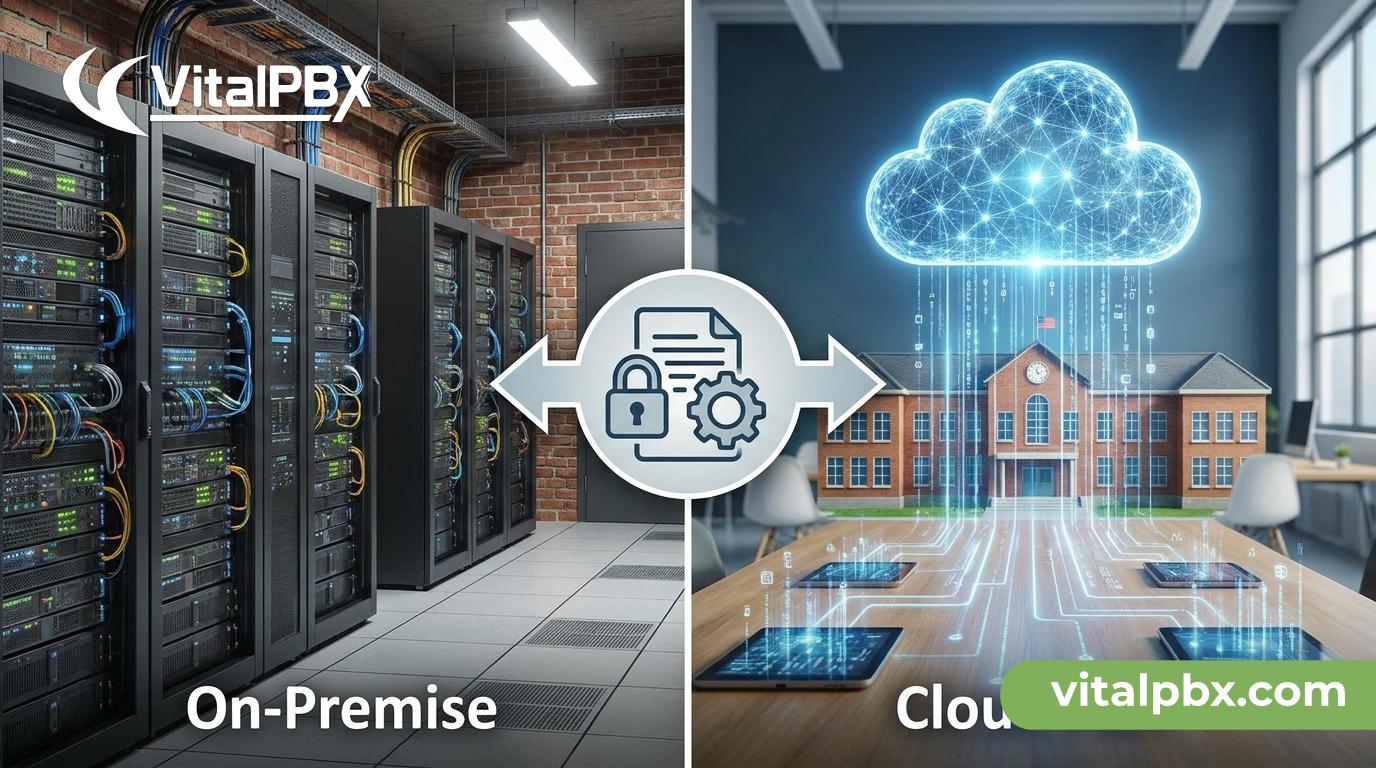
On-Premise vs. Cloud PBX for Schools: Which Fits Your District’s Data Policy?
School districts face a communication challenge that most businesses don’t: your phone system handles sensitive student data, staff records, and emergency call routing — all under the watchful eye of FERPA, state privacy laws, and your district’s own IT policy. Choose the wrong PBX deployment model, and you’re not just dealing with a support headache. You’re dealing with a compliance gap.
The on-premise vs. cloud PBX debate isn’t new, but it lands differently in K–12 and higher education environments. Budget cycles are long, infrastructure varies wildly between campuses, and your district’s data governance policies may explicitly restrict where voice data can live. Getting this decision wrong can mean contract renegotiations, data exposure risks, or a system that simply doesn’t fit how your schools operate.
This post breaks down both deployment models — their real trade-offs, compliance implications, and total cost of ownership — and explains how VitalPBX gives IT admins the flexibility to deploy the way your district actually needs, not the way a vendor prefers to sell.
Why PBX Deployment Architecture Matters in Education
Most vendors frame the on-premise vs. cloud choice as a question of budget or IT capacity. In education, there’s a third dimension: data policy.
Voice communications in schools carry more weight than many IT teams initially realize. Recorded calls to parents, voicemail messages about student absences, IVR menus routing to counseling services — all of this is voice data that may fall under your district’s acceptable use policy, your state’s student privacy laws, or FERPA’s broader umbrella when tied to student records.
When your PBX is hosted by a third-party cloud provider, you need to answer questions like:
- Where are call recordings stored, and in which jurisdiction?
- Who has access to that data besides your staff?
- What happens to that data if you cancel your subscription?
- Does the vendor’s data processing agreement meet your district’s compliance requirements?
These aren’t hypothetical concerns. They’re the kind of questions your district’s data privacy officer or school board legal counsel is likely to ask before any new vendor contract gets signed. Your PBX deployment model determines how easily — or how difficult — it is to answer them.
On-Premise PBX for Schools: Full Control, On Your Terms
An on-premise PBX runs on hardware or a virtual machine inside your district’s own network. All call data, recordings, voicemail, and configuration live on infrastructure you own and manage.
What On-Premise Gets Right for Education
Data sovereignty. Call recordings and CDR logs never leave your network unless you explicitly send them somewhere. This makes on-premise deployments far easier to align with strict district data policies and state-level student privacy regulations.
No subscription dependency. Your phone system doesn’t go down because a cloud vendor has an outage, changes their pricing model, or gets acquired. You control the platform’s lifecycle.
Deep customization. On-premise systems like VitalPBX run on Asterisk, the world’s most widely deployed open-source telephony engine. You can build exactly the call routing logic your district needs — from multi-campus IVR trees to emergency override routing — without waiting for a SaaS vendor to add it to their roadmap.
Single-server multi-campus management. With VitalPBX’s Multi-Tenant capability, a single on-premise server can run isolated PBX environments for every school in your district. Each campus gets its own extensions, IVR, voicemail, and call routing — fully separated from other schools — managed from one central admin interface. That’s operationally efficient and budget-friendly.
Honest Trade-offs of On-Premise
On-premise isn’t frictionless. You need IT staff comfortable managing a Linux server environment. VitalPBX installs on a clean Debian 12 64-bit minimal server — that’s the only officially supported OS — and while the setup is well-documented, it’s not a click-and-go consumer product.
Hardware redundancy is your responsibility. If your server goes down, your phones go down. Planning for high availability (HA) requires additional configuration and possibly additional hardware investment.
That said, for districts with existing IT infrastructure and any in-house Linux administration capacity, these are manageable trade-offs — especially compared to the ongoing subscription costs of cloud alternatives.
Cloud PBX for Schools: Convenience with Caveats
A hosted or cloud PBX moves the telephony infrastructure off your premises and onto a vendor’s servers. Your district accesses the system over the internet, and the vendor handles maintenance, updates, and uptime.
Where Cloud PBX Delivers Value
Faster deployment. No hardware to rack, no OS to configure. Cloud PBX can be provisioned quickly, which matters when you’re replacing a failed system mid-semester.
Lower initial capital expenditure. There’s no server hardware to purchase. Monthly subscription costs replace upfront investment, which can be easier to fit into annual operating budgets.
Hands-off maintenance. Updates, patches, and infrastructure management are the vendor’s problem, not yours.
The Cloud Caveats You Need to Acknowledge
Data residency uncertainty. Unless your cloud vendor explicitly contractualizes data storage in a specific jurisdiction, your call recordings and metadata could be stored on servers in multiple states or countries. This can conflict directly with district data governance policies.
Ongoing per-user costs that scale painfully. Most cloud PBX vendors charge per extension or per user per month. For a district with 500 staff members across 20 schools, those per-seat costs add up fast — and they never go away. Every new hire adds to the bill.
Vendor dependency. Pricing changes, feature deprecations, and acquisition events are outside your control. Districts that signed three-year cloud PBX contracts have been caught off-guard when vendors changed terms or discontinued features mid-contract.
Internet dependency. Cloud PBX performance is only as good as your internet connection. In districts where bandwidth is inconsistent across campuses — particularly rural schools — this creates real reliability exposure.
VitalPBX: On-Premise Flexibility Without Sacrificing Modern Features
VitalPBX is an enterprise-grade PBX platform built on Asterisk, designed for organizations that need serious telephony capability without the recurring per-user cost structure that makes cloud PBX expensive at scale.
For school districts, VitalPBX hits several key requirements simultaneously.
No Per-User Fees — Ever
VitalPBX licenses are not based on extension count. Add 50 extensions or 500 — the license cost stays flat. For a district adding staff each year or expanding to new schools, this is a meaningful budget advantage over any per-seat cloud alternative.
Multi-Tenant: One Server, Every Campus
VitalPBX’s Multi-Tenant capability lets you run isolated PBX environments for each school — or each administrative department — from a single server. Each tenant gets its own extensions, IVR configuration, voicemail, call queues, and time conditions. The central IT team manages everything from one interface. Practical capacity is approximately 100 tenants per server, which is more than sufficient for most school districts.
VitalPBX Multi-Tenant Overview — https://vitalpbx.com/multi-tenant-plan/
Features Built for Educational Environments
VitalPBX includes more than 150 call features out of the box. The ones most relevant to school districts include:
- IVR (Interactive Voice Response): Route incoming calls to the right office — attendance, main office, counseling, transportation — automatically, with time-based rules for school hours vs. after-hours.
- Time Conditions: Set different call routing behavior for school days, weekends, holidays, and emergency closures — without manual intervention.
- Call Queues and Ring Groups: Handle high-volume incoming calls during peak times like morning arrival or dismissal without calls going to voicemail.
- Voicemail with AI Transcription: Staff can read voicemail messages instead of listening to each one, which is particularly useful for administrators managing high message volumes.
- Call Recording: Capture calls for compliance, dispute resolution, or staff training — stored on your own infrastructure, not a third-party cloud.
- AI Agent (powered by OpenAI): Automate routine inquiry handling — school hours, event information, directions — without tying up front-desk staff.
- Built-in Firewall and Intrusion Detection: VitalPBX includes native security features to protect your telephony infrastructure from toll fraud and unauthorized access.
Microsoft Teams Integration
For districts already deployed on Microsoft 365, VitalPBX One includes native Microsoft Teams integration, letting staff make and receive calls through Teams while routing through your VitalPBX infrastructure. This eliminates the need for a separate calling plan from Microsoft and keeps your call data on your own system.
VitalPBX One Plan — https://vitalpbx.com/vitalpbx-one-pbx-plan/
CRM Integration for Administrative Offices
VitalPBX integrates natively with Zoho CRM, Odoo, and Salesforce — useful for district administrative offices that manage donor relations, community partnerships, or enrollment pipelines.
Frequently Asked Questions
Is an on-premise PBX FERPA-compliant for schools?
FERPA compliance depends on how your phone system handles data tied to student education records, not solely on where the hardware sits. On-premise PBX deployments give you direct control over where call recordings and metadata are stored, who can access them, and how long they’re retained — making it significantly easier to document and maintain compliance with your district’s data governance policies. Cloud PBX can also be FERPA-compliant, but it requires a careful review of the vendor’s data processing agreement and data residency commitments.
Can VitalPBX run on a virtual machine or cloud server?
Yes. Despite being described as “on-premise,” VitalPBX can be deployed on any VPS or cloud server running a clean Debian 12 64-bit minimal installation — including AWS, DigitalOcean, Vultr, or your district’s own private cloud. This means you get the data control benefits of on-premise architecture even if you’re running it on a hosted virtual machine that your district manages.
How does VitalPBX Multi-Tenant work for multiple school campuses?
With VitalPBX Multi-Tenant, a single VitalPBX server hosts multiple fully isolated PBX environments — one per campus, department, or administrative unit. Each tenant has its own extensions, IVR, call routing rules, voicemail, and time conditions. A central IT administrator can manage all tenants from one interface while campus-level admins can be given limited access to manage only their own school’s settings. Practical capacity is approximately 100 tenants per server.
What hardware does VitalPBX require for a school district deployment?
VitalPBX runs on standard x86-64 server hardware or a virtual machine. The specific hardware requirements depend on the number of concurrent calls and extensions in your district. VitalPBX installs on a clean Debian 12 64-bit minimal environment — no additional OS licenses required. For sizing guidance specific to your district’s call volume and campus count, the VitalPBX team can help during a demo consultation.
Does VitalPBX support emergency call routing for schools?
Yes. VitalPBX includes time conditions, ring groups, and emergency override routing that let you configure exactly how calls are handled during different scenarios — normal school hours, after-hours, snow days, or emergency lockdowns. You can define emergency routing rules that override standard IVR paths when activated, ensuring calls always reach the appropriate staff or emergency contacts.
How does VitalPBX pricing compare to cloud PBX for a district with 300 extensions?
Most cloud PBX providers charge $15–$30+ per user per month. For a district with 300 extensions, that’s $4,500–$9,000 per month in ongoing subscription costs — $54,000–$108,000 annually. VitalPBX’s Enterprise plan covers up to 5,000 extensions at a flat license cost with no per-extension fees. Over a three-to-five-year horizon, the total cost of ownership difference is typically substantial, especially as your district grows.
The Right Deployment Model Depends on Your District’s Priorities
There’s no universal answer to the on-premise vs. cloud PBX question for schools — but there is a right answer for your district. If data sovereignty, long-term cost control, and customization flexibility are priorities, on-premise wins decisively. If your district lacks internal IT capacity and needs the fastest possible deployment with zero infrastructure management, cloud may be the right short-term trade-off.
What VitalPBX offers is the ability to make that choice on your terms. You can run it on your own hardware, on a VPS your district controls, or on a cloud server — and the platform’s features, pricing structure, and multi-tenant architecture are built for exactly the kind of multi-site, compliance-sensitive environment that school districts operate in.
Ready to see how VitalPBX fits your district’s data policy and infrastructure? Book a personalized demo with our team and we’ll walk through your specific deployment scenario, extension count, and compliance requirements.
📅 Book a Demo (US ET) — https://calendly.com/vitalpbx/learn-more
📅 Book a Demo (Europe) — https://calendly.com/semarze-vitalpbx/learn-more-about-vitalpbx-europe-time